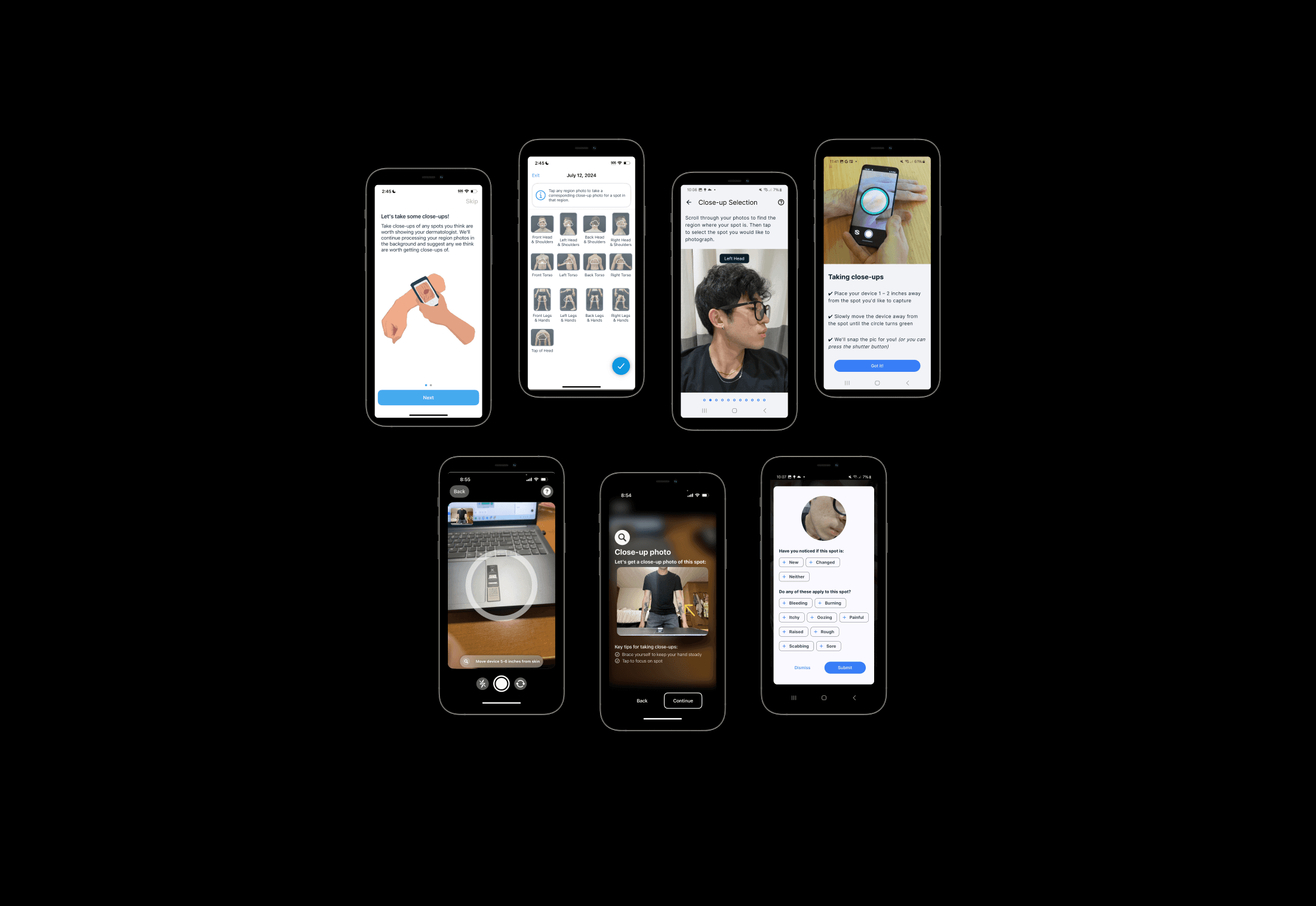
Close-up photo flow
Close-Up
SkinIO
iOS
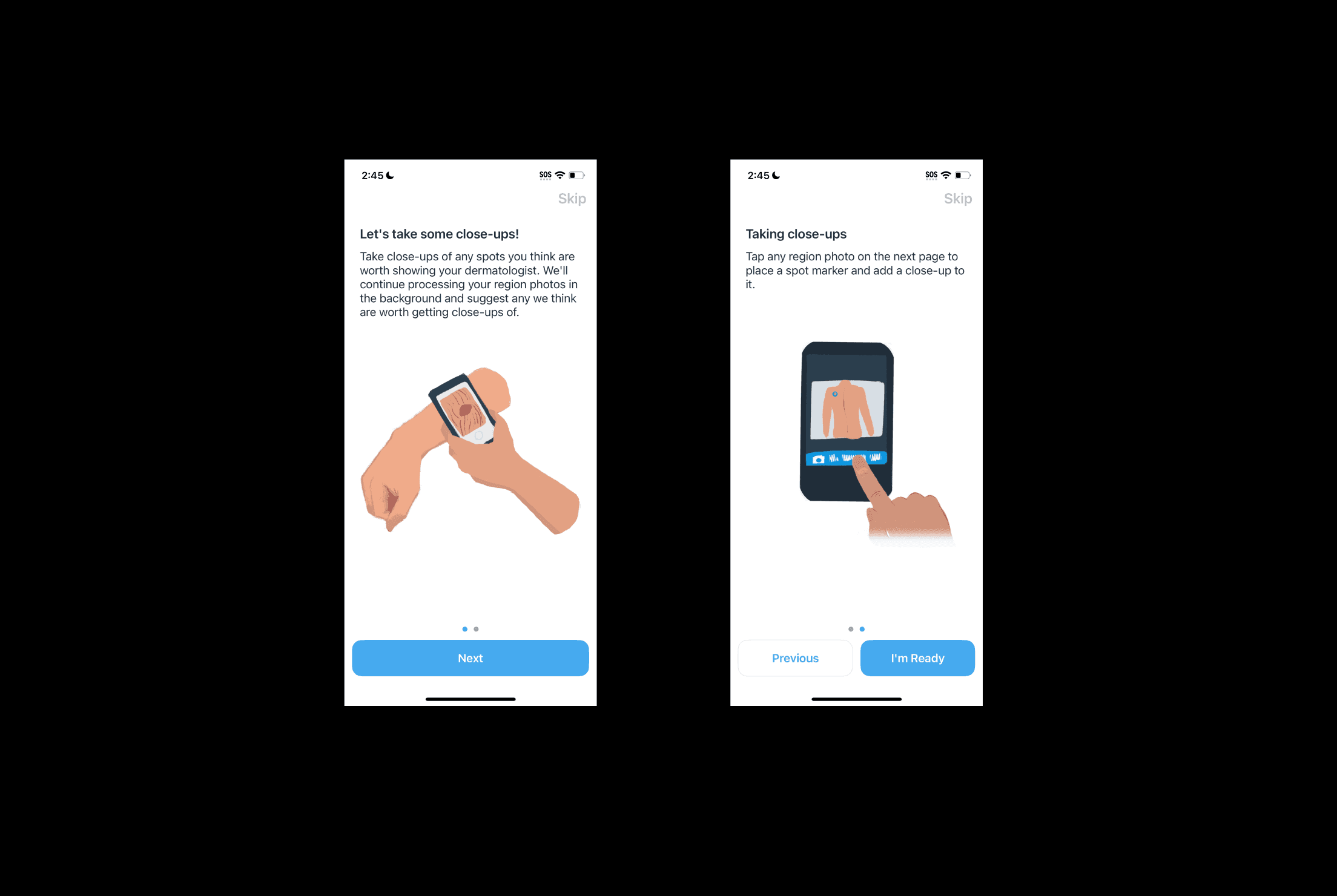
Close-up tutorial pages
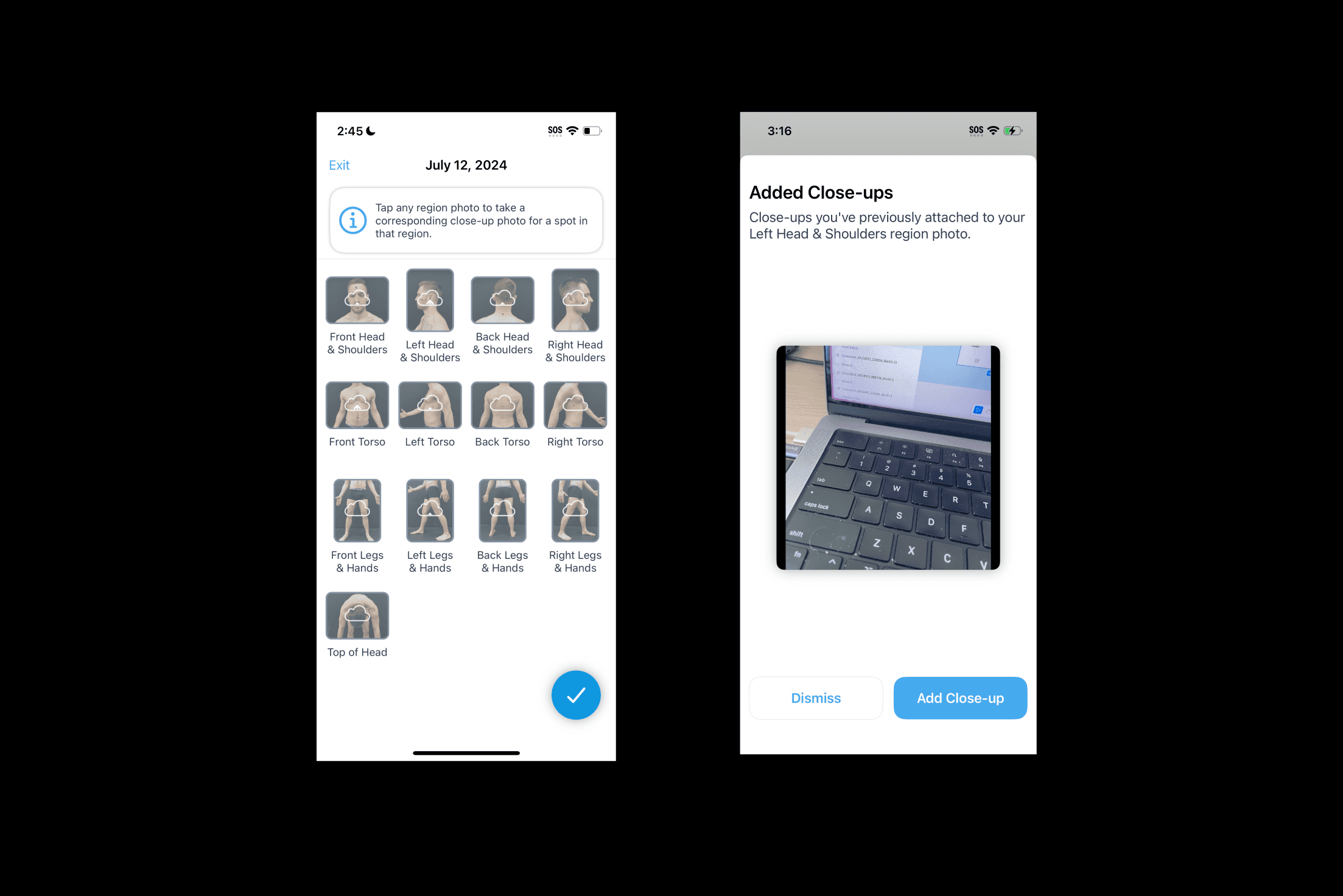
Region grid + Adding close-up
Close-up spot selection UI (Arrow indicates chosen spot)
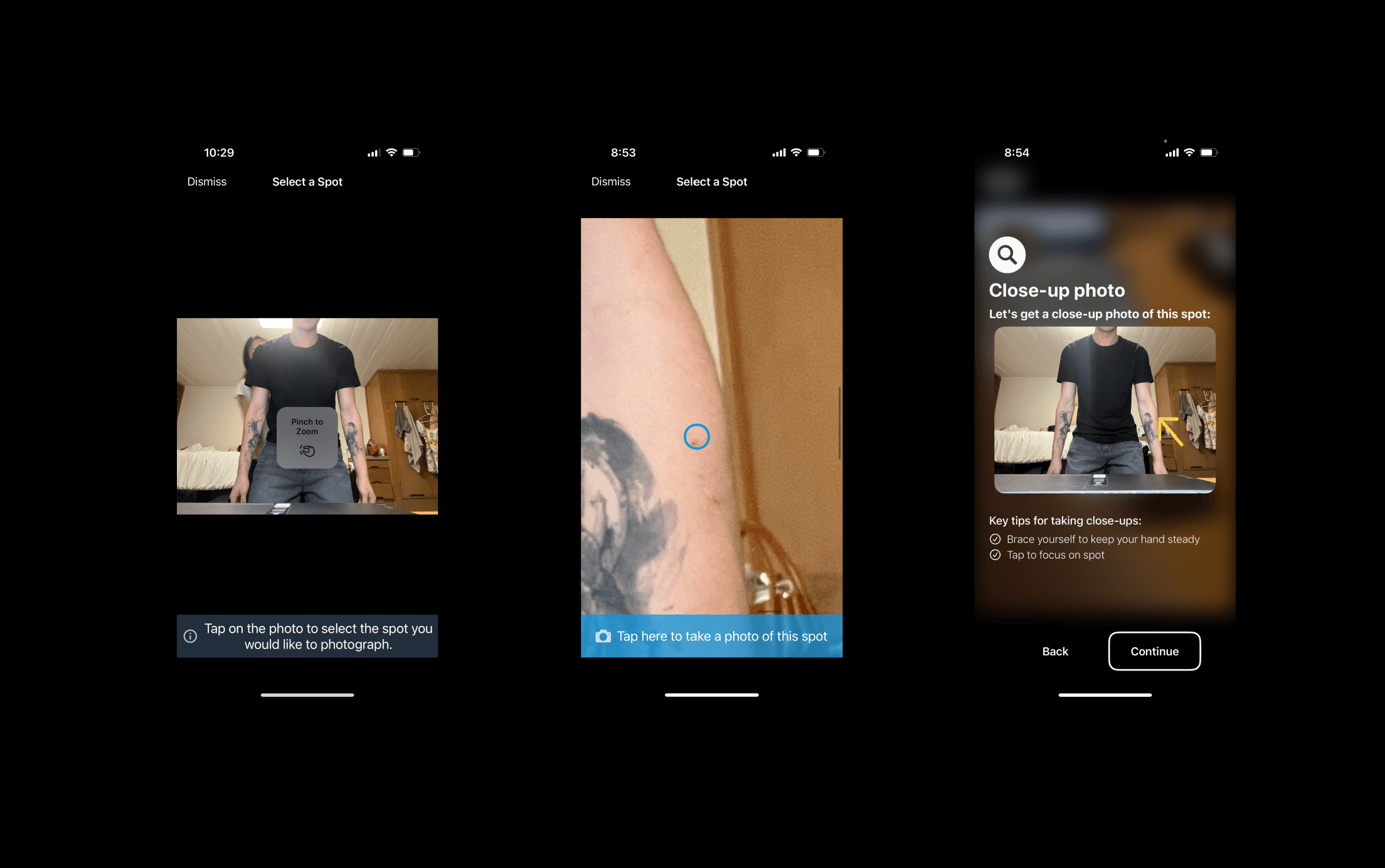
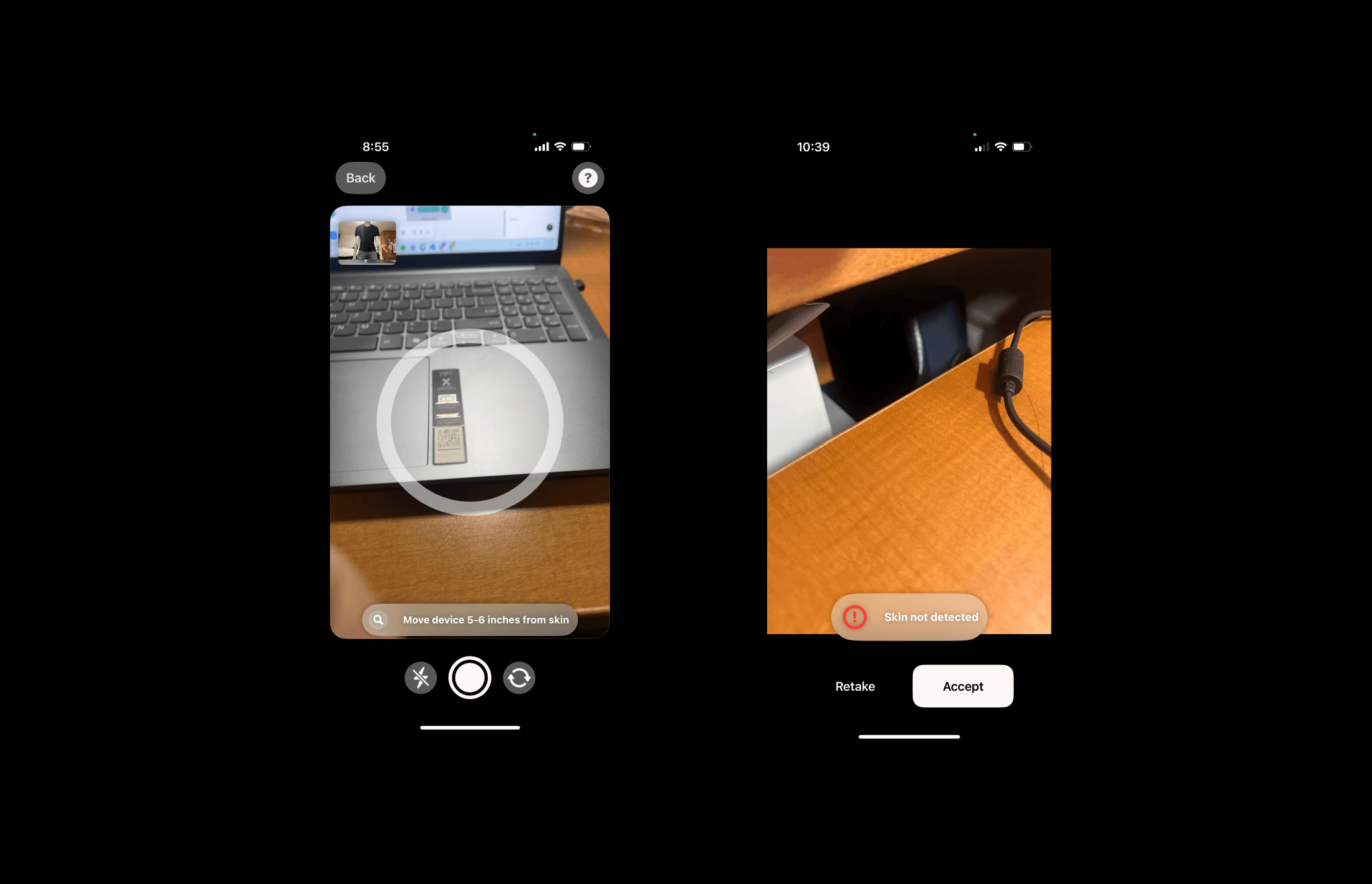
Photo taking process includes text instructions and warnings
No autocapture feature
Ring turns from grey to green if mole is detected as sharp and within the ring
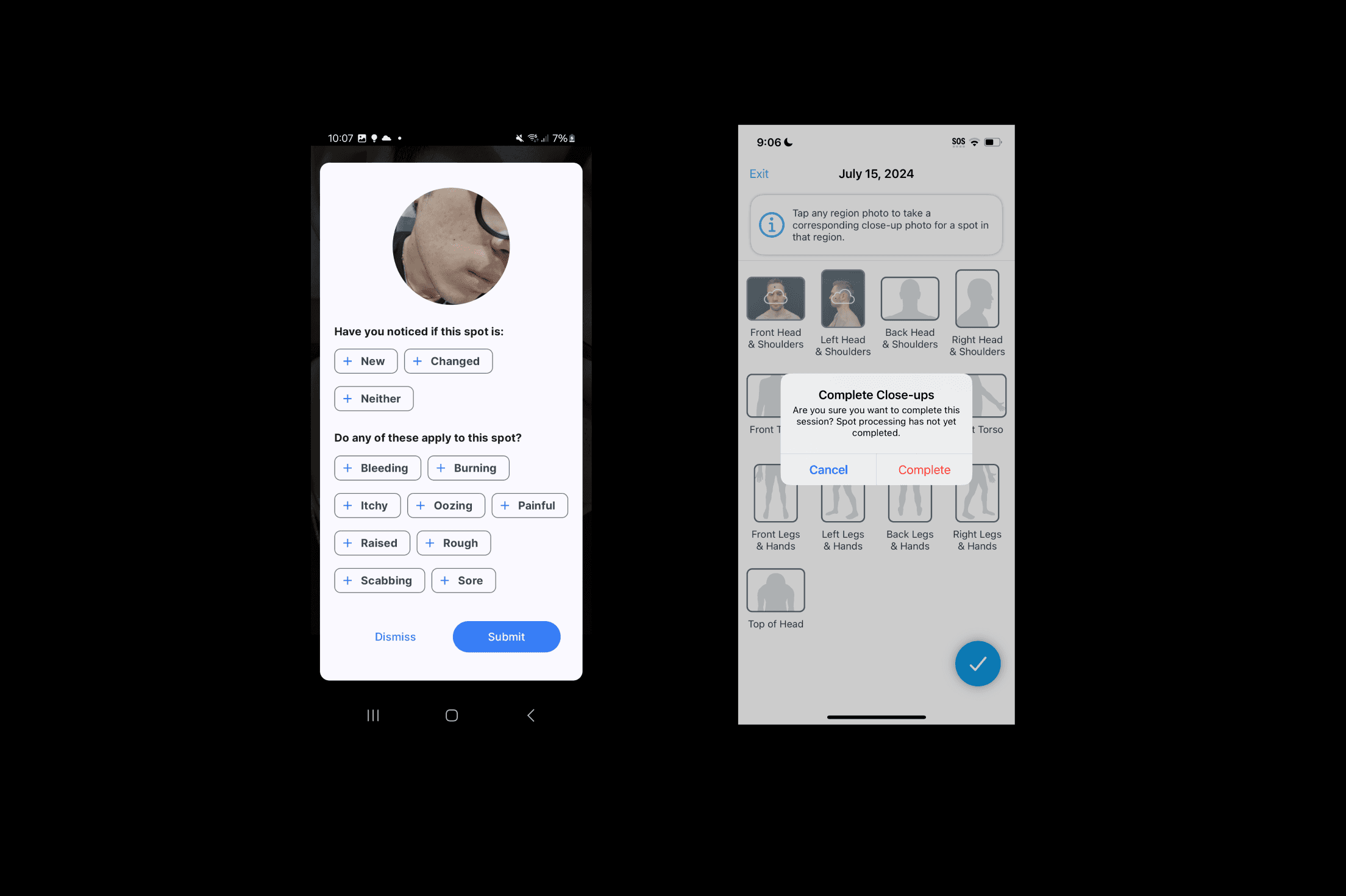
Close-up spot survey + Region submission page
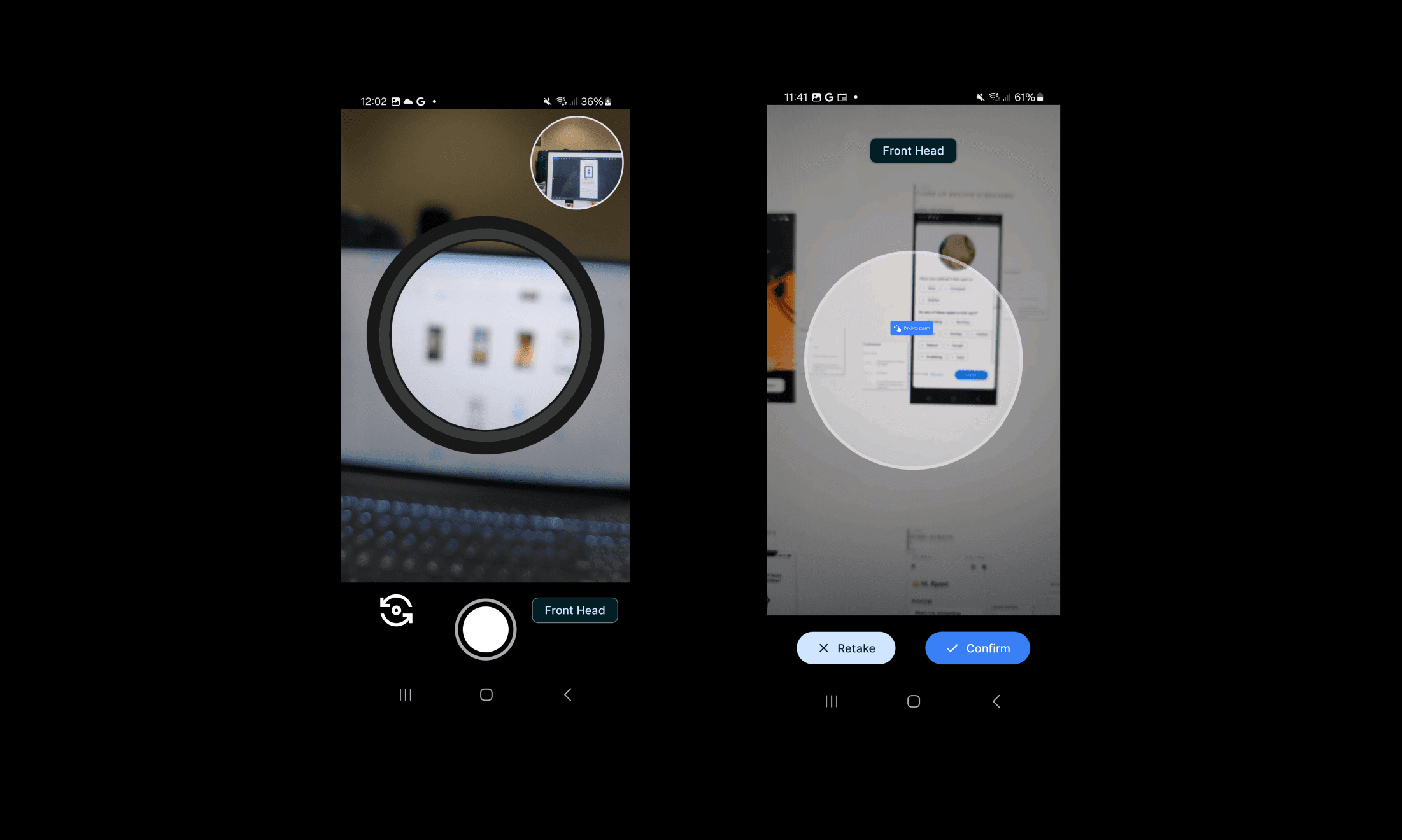
android
Close-up tutorial pages
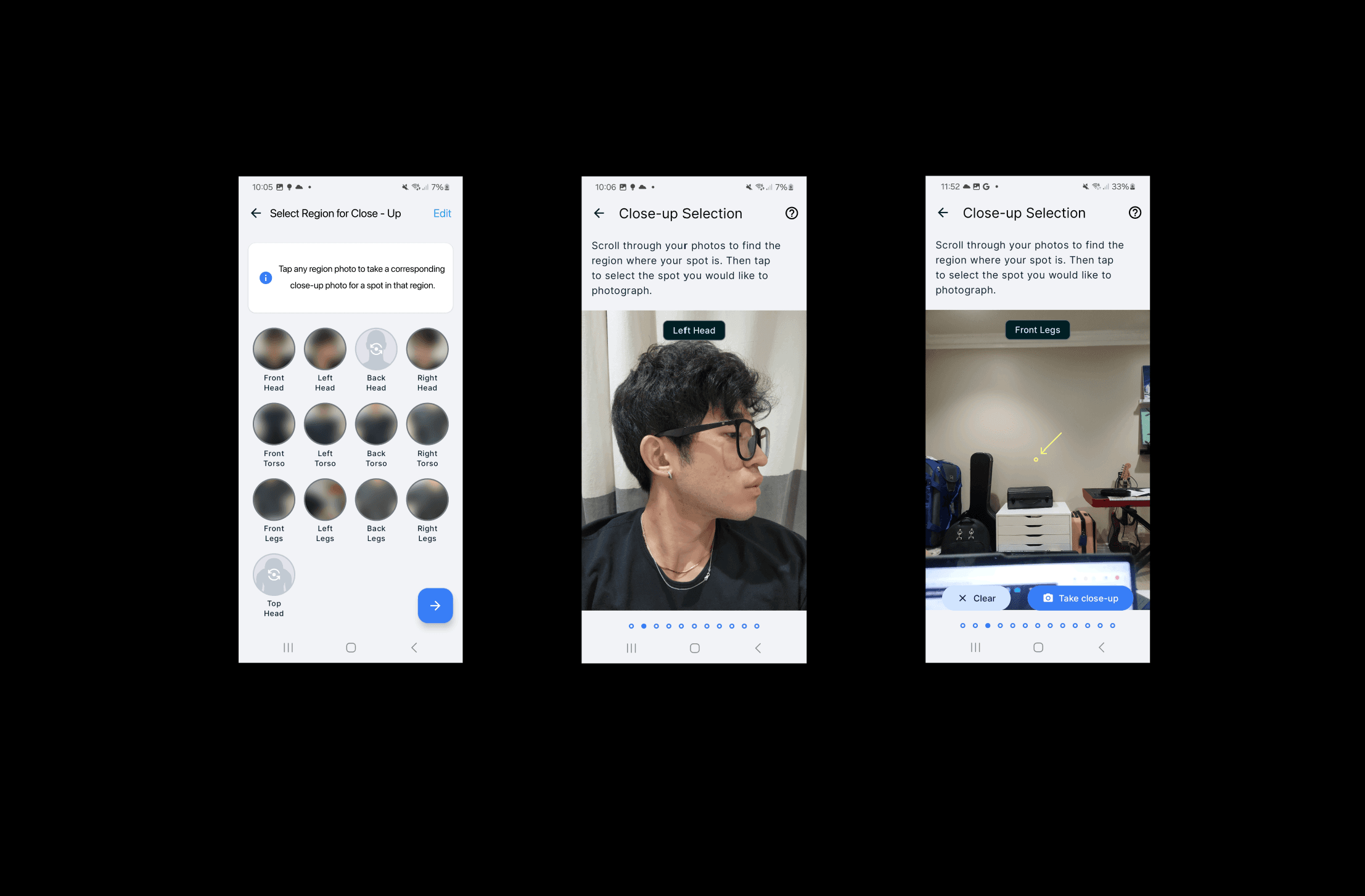
Close-up spot selection menu (self-selection rather than a region grid)
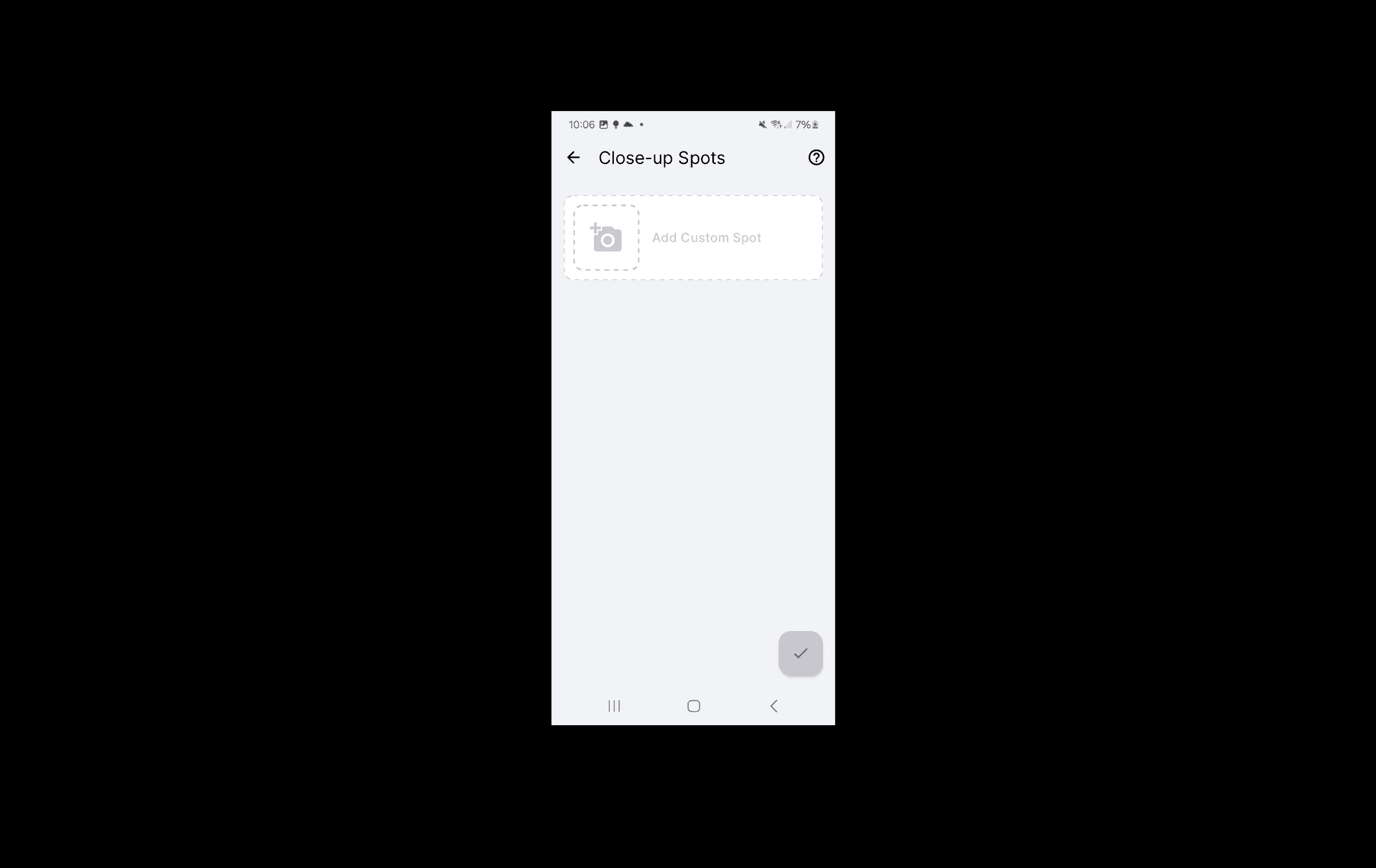
Close-up selection allows users to scroll through each region's photo and select the desired spot
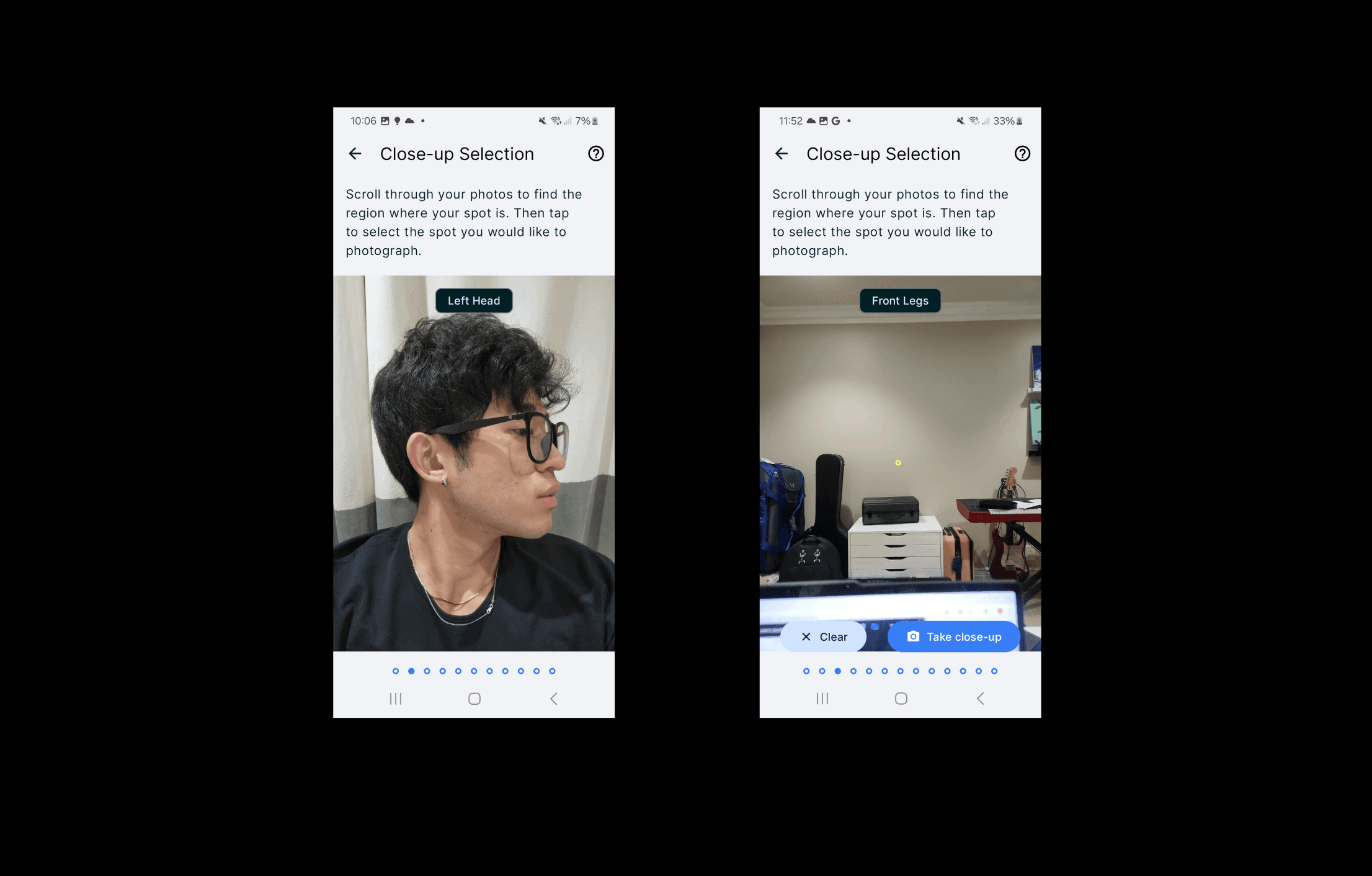
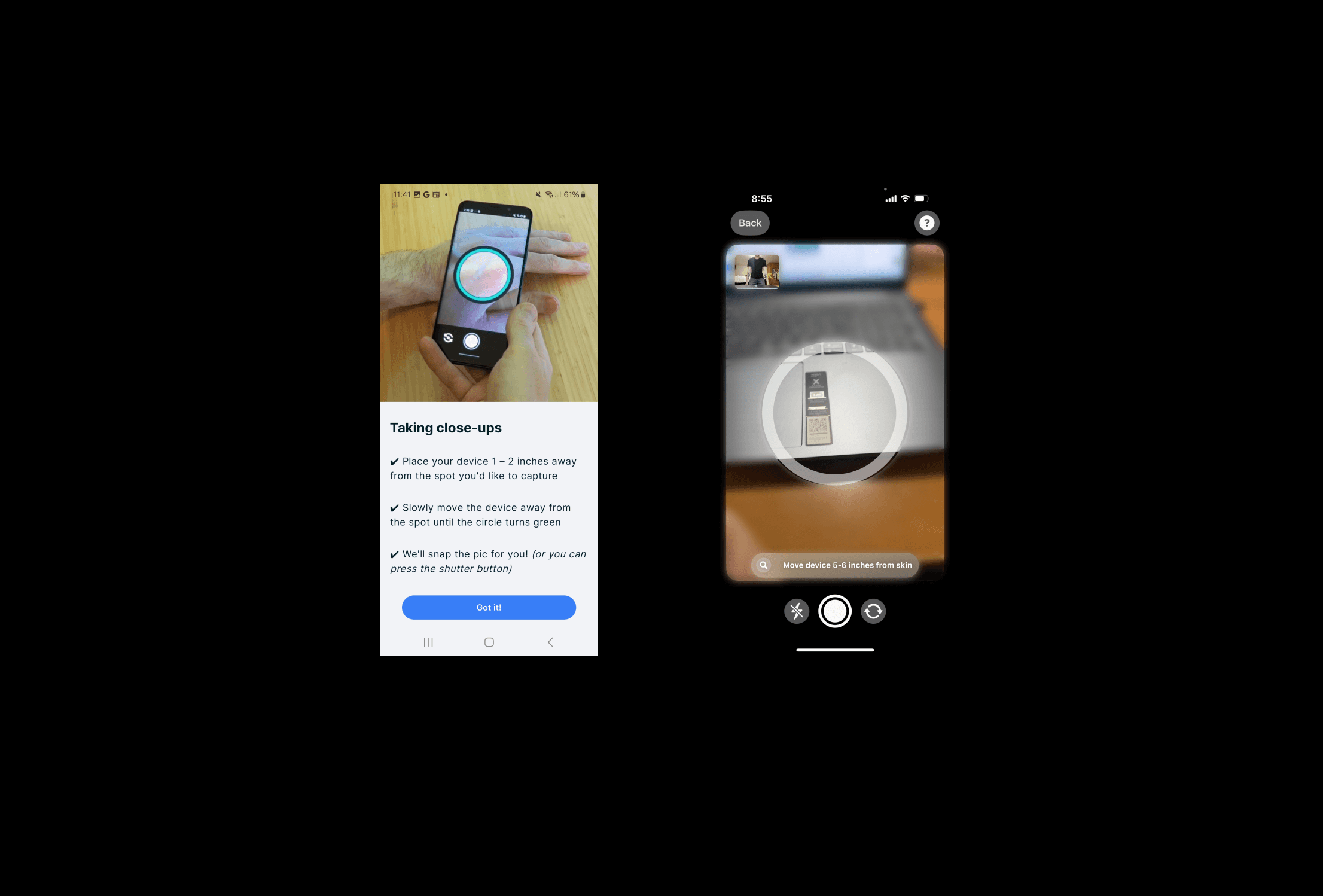
Close-up video tutorial page
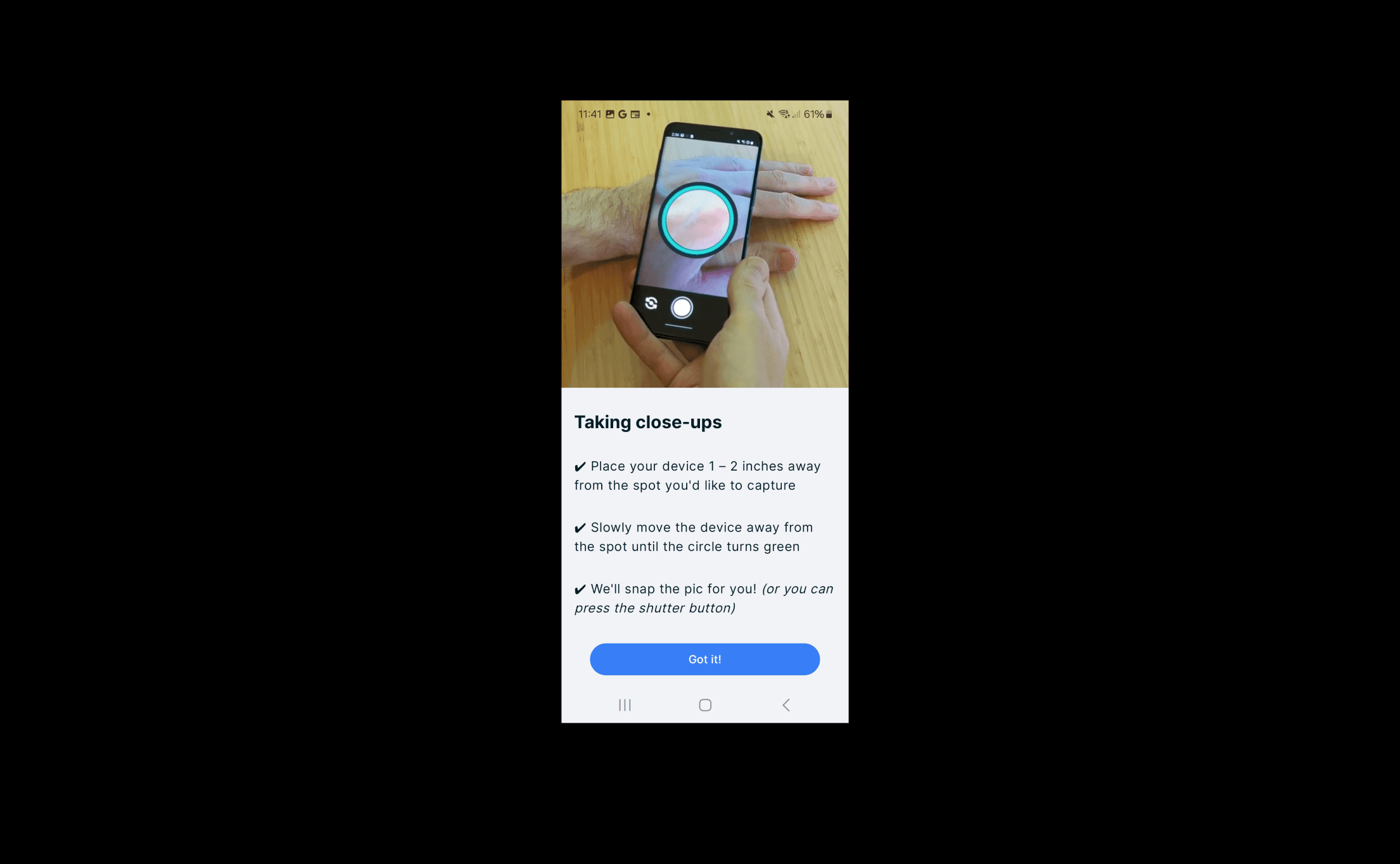
Photo-taking process has a circular UI and blurs the background outside the central circle
Auto-captures if photo is within the ring correctly
Ring turns green if mole is within the right area
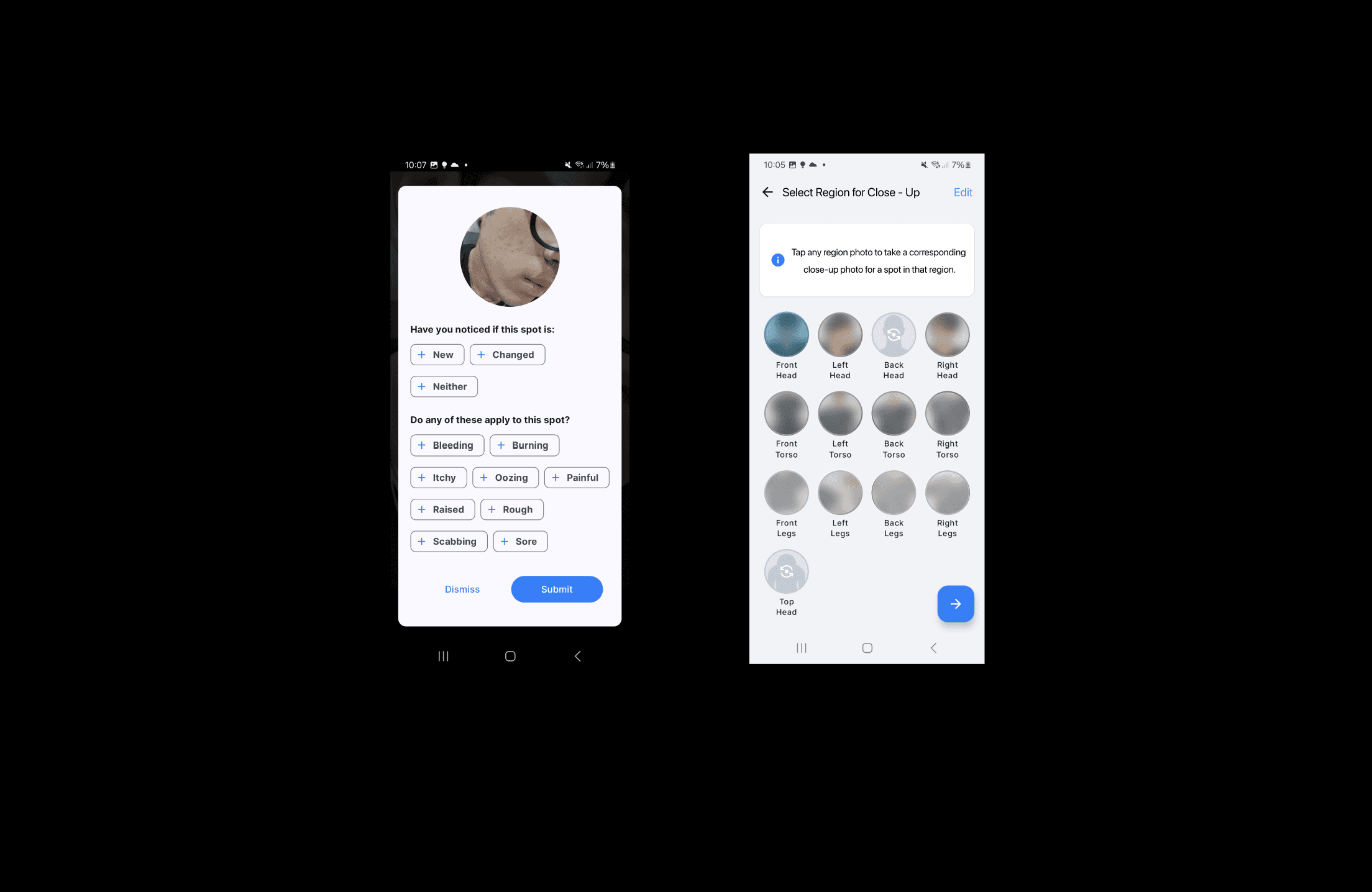
Close-up spot survey + Submission page

Best Flow
iOS close-up region grid
android close-up video tutorial
android close-up region selection option to swipe through each photo
iOS photo-taking (camera experience) screen
flash + help icon
iOS arrow pointing at the spot is easier to see
text instruction / warnings