Photo Flow
Photo Process
SkinIO
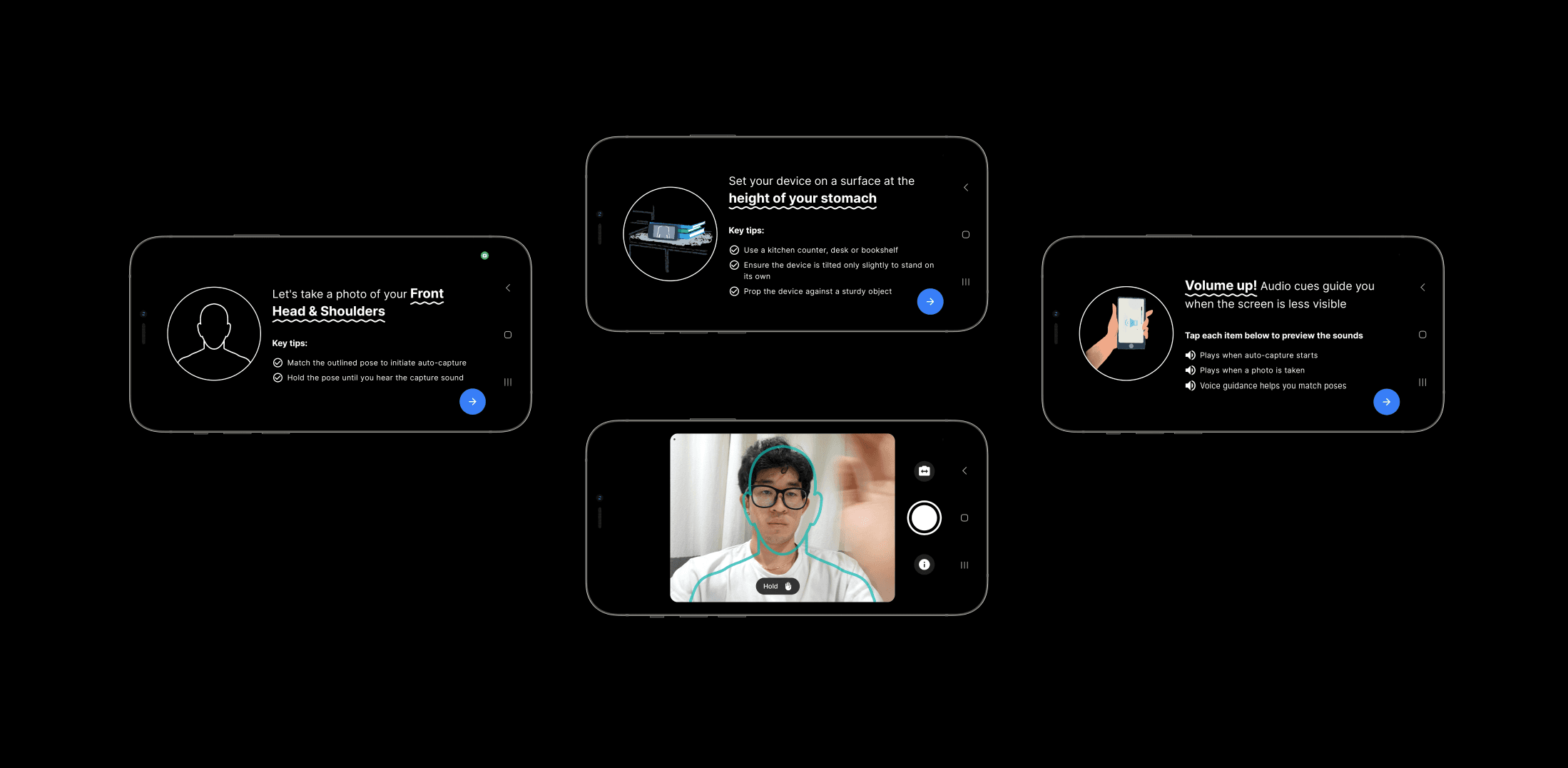
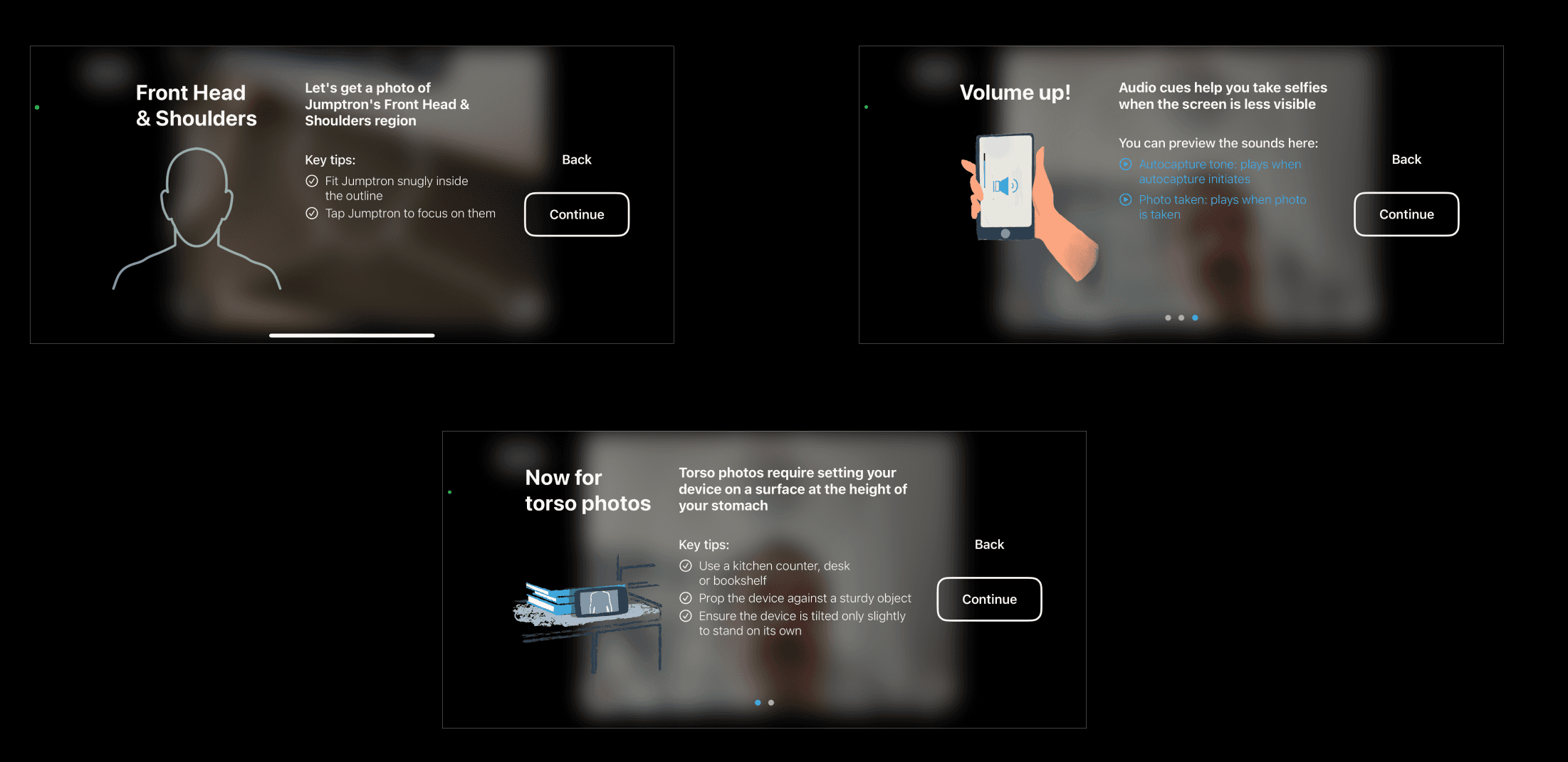
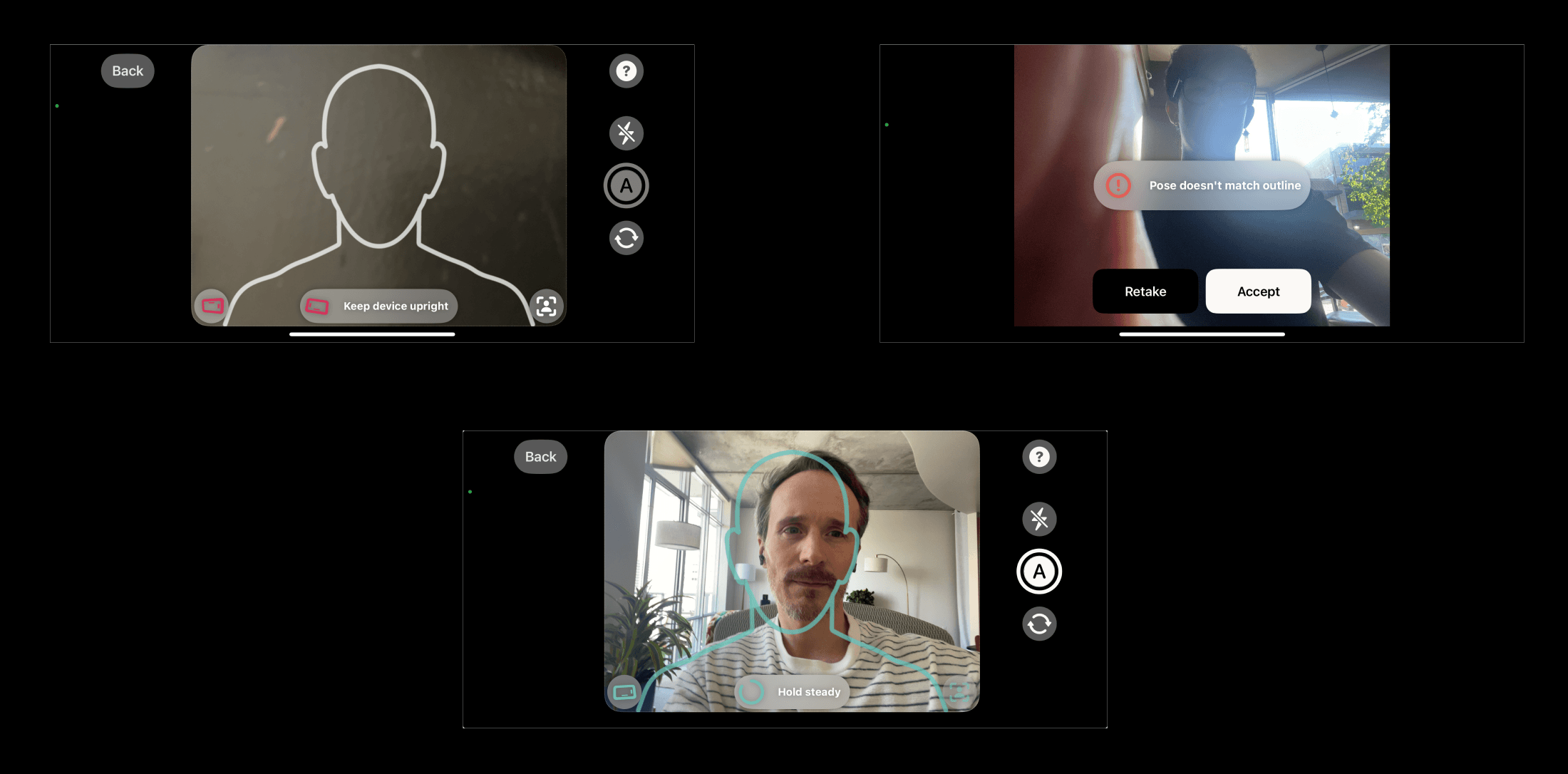
iOS
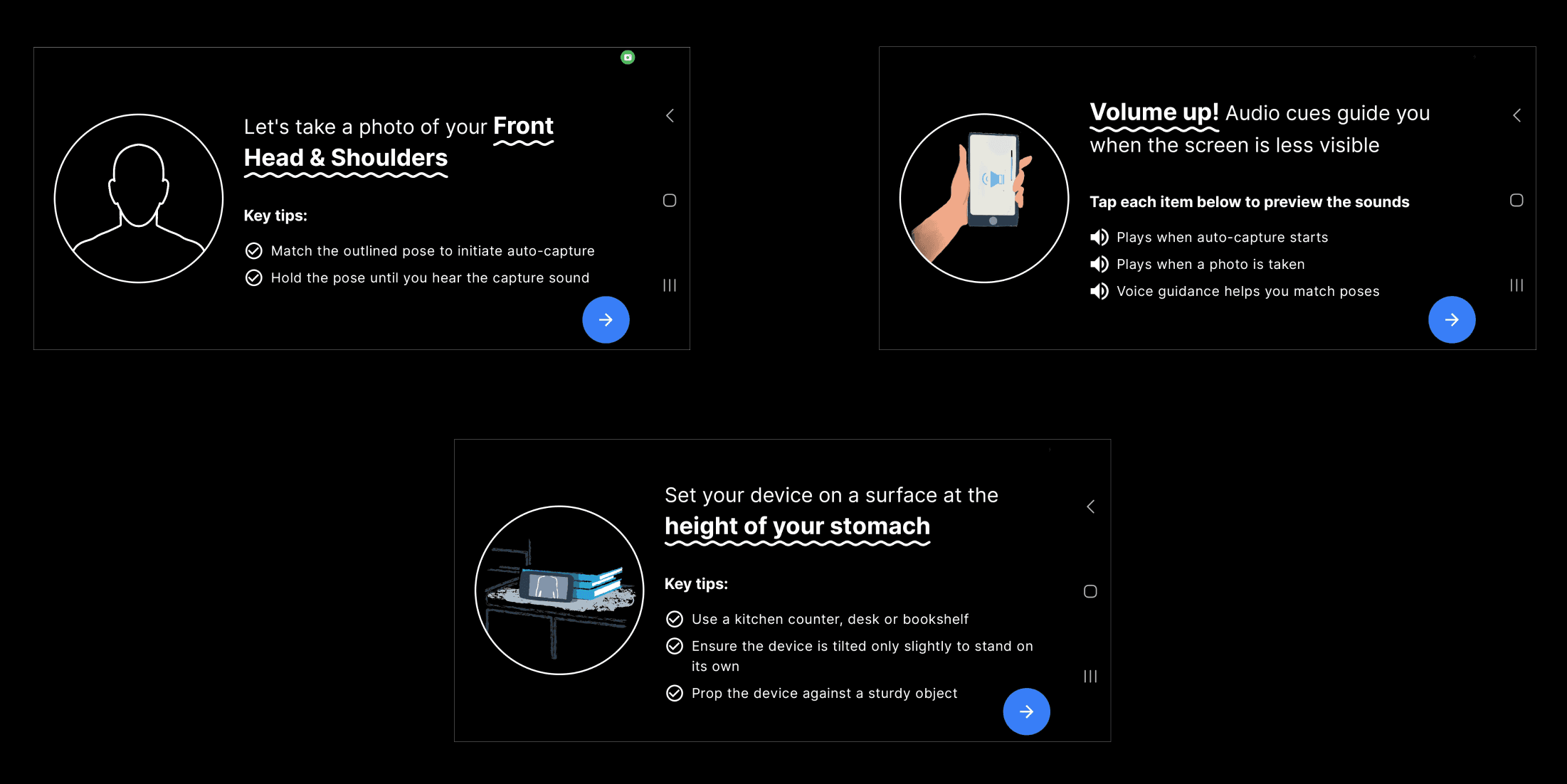
Intro Instructions / Assistance (only shows volume page if device's volume is at 0)
UI feature assisting users to angle their photos correctly
Countdown progress loading circle before auto-capture
flash / help icons
Warning feature if the photo isn't optimal
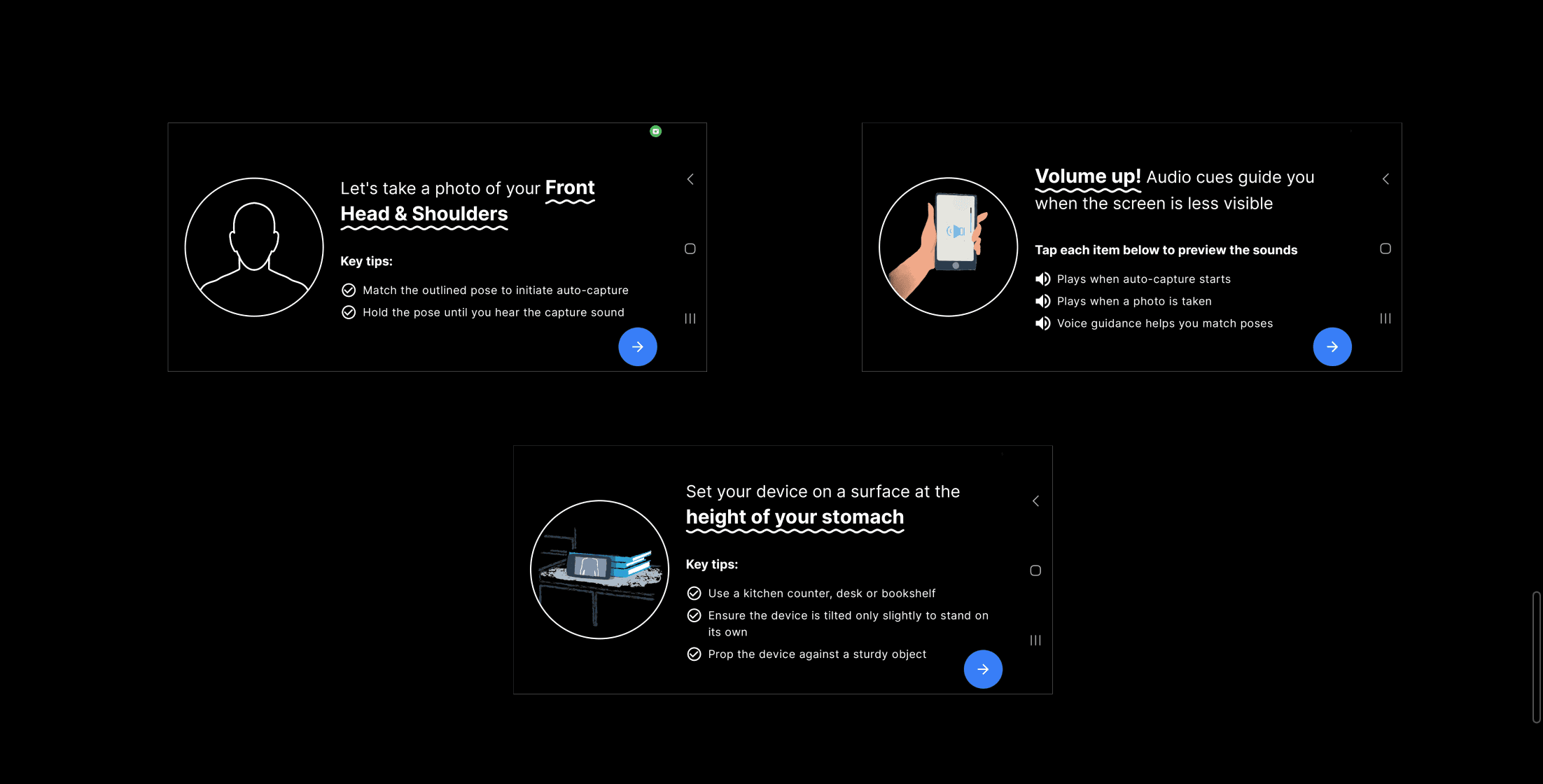
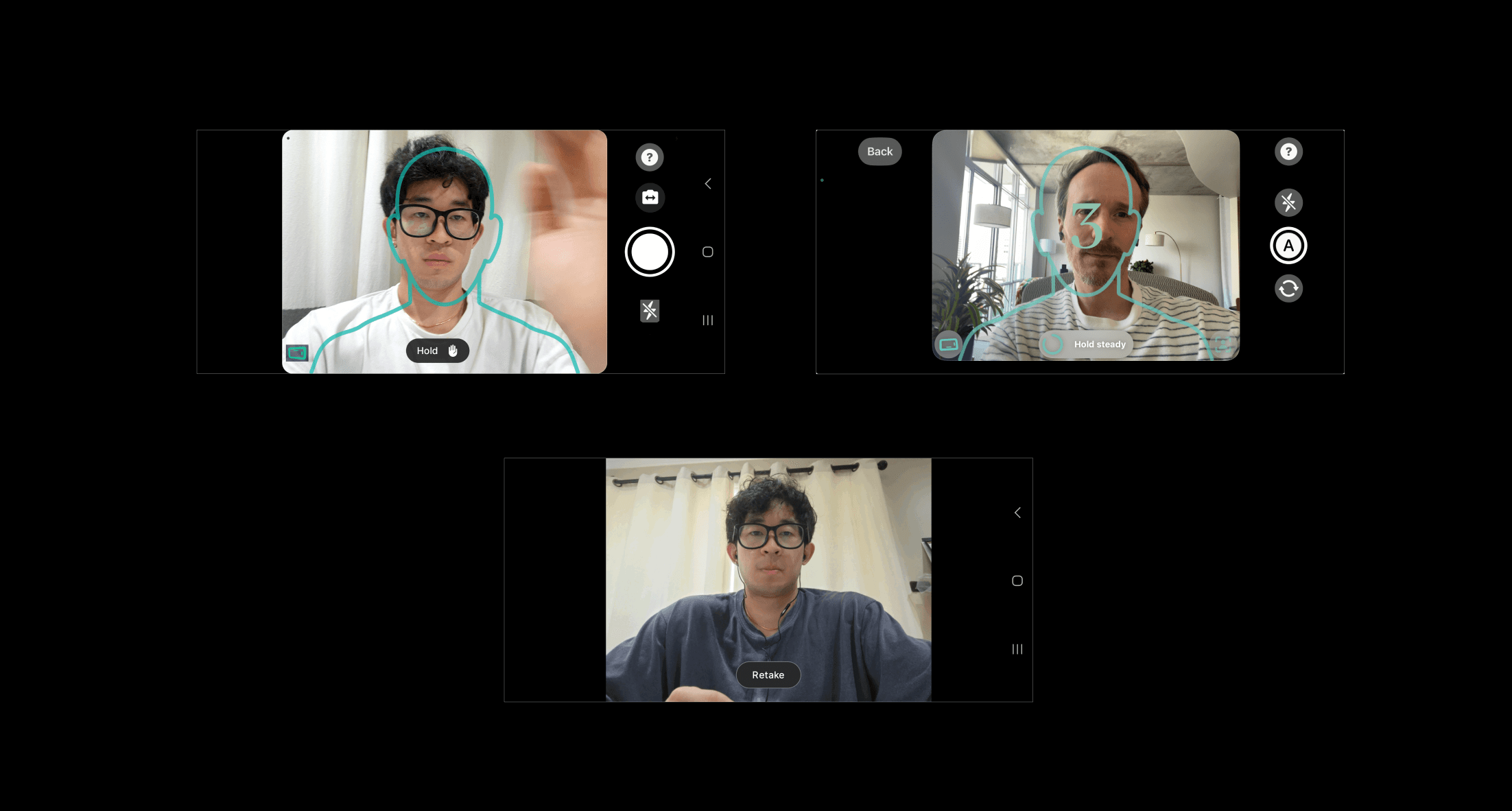
android
Intro Instructions / Assistance
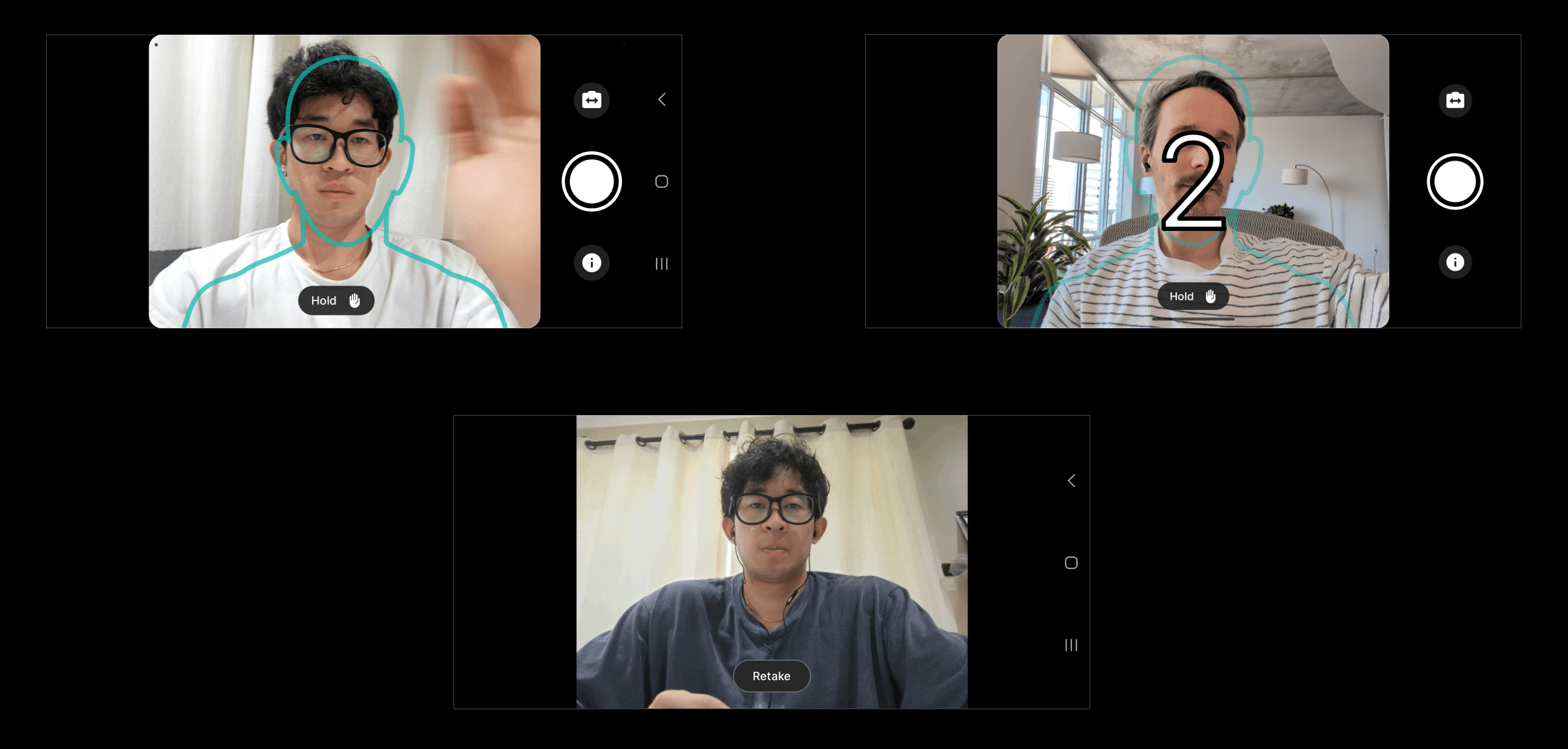
UI countdown 3 - 2- 1 before auto-capturing
Text indicators for posing assistance during photo-capturing
Tilt assist pop-up feature (only pops up if user fails to capture photo due to angling multiple times)
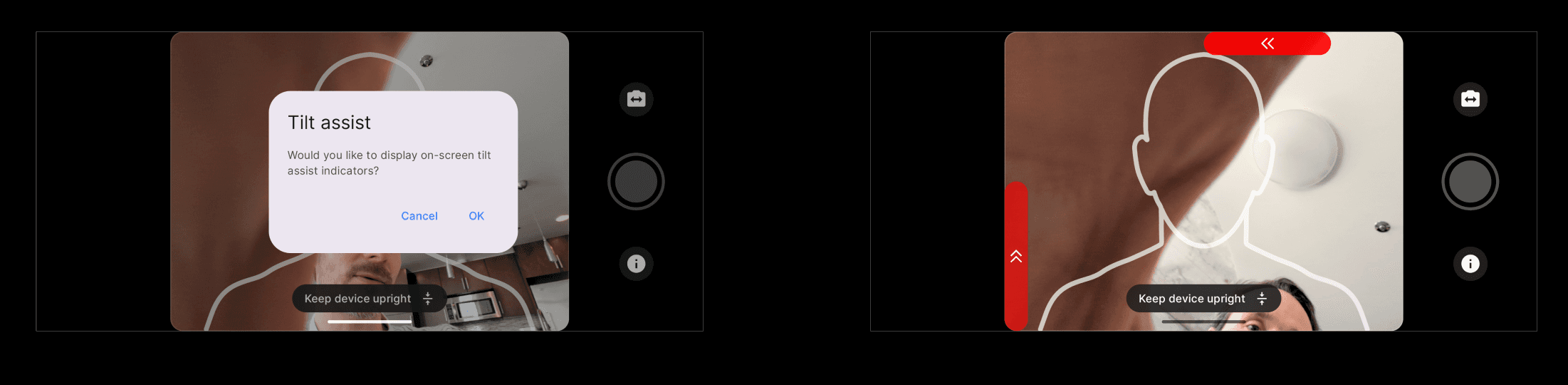
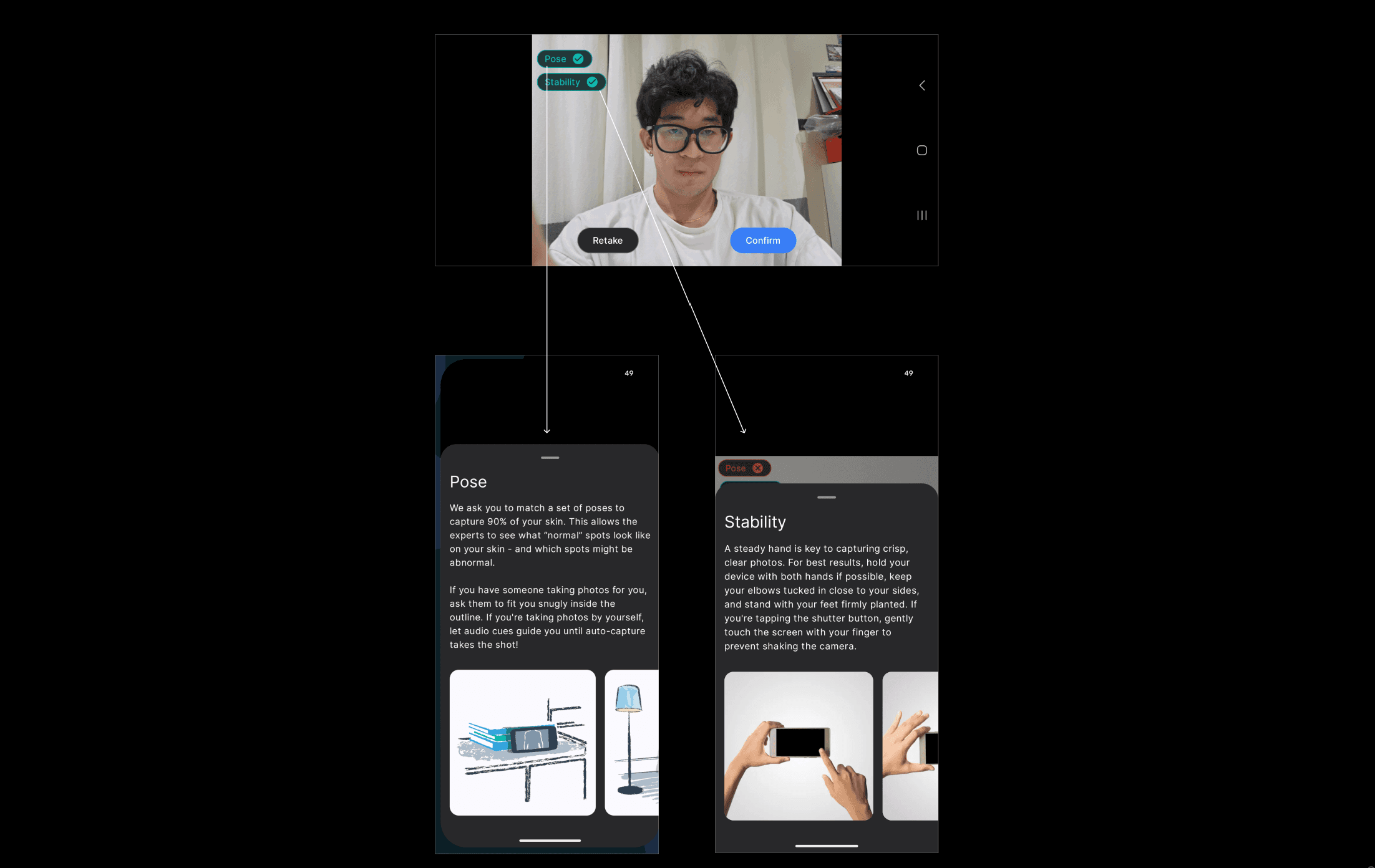
Pose / Stability Information Feature
Best Flow
android's UI is visually more aesthetic
Countdown circle and 3-2-1 can be combined during auto-capturing
iOS tilt assistance UI is easier to access
Flash Icon / Help Icon
Volume Page should always show